About Us
Welcome to SfdcIndia, where we specialize in empowering professionals with cutting-edge SfdcIndia training.
Contact nowContact Info
- CV Complex,
Above Bata Showroom,
Hastinapuram, BN Reddy,
Hyderabad, Telangana 500079. - +91-7097777111
- info@sfdcindia.com
Agentforce Vibes
What is Agentforce Vibes
Agentforce Vibes
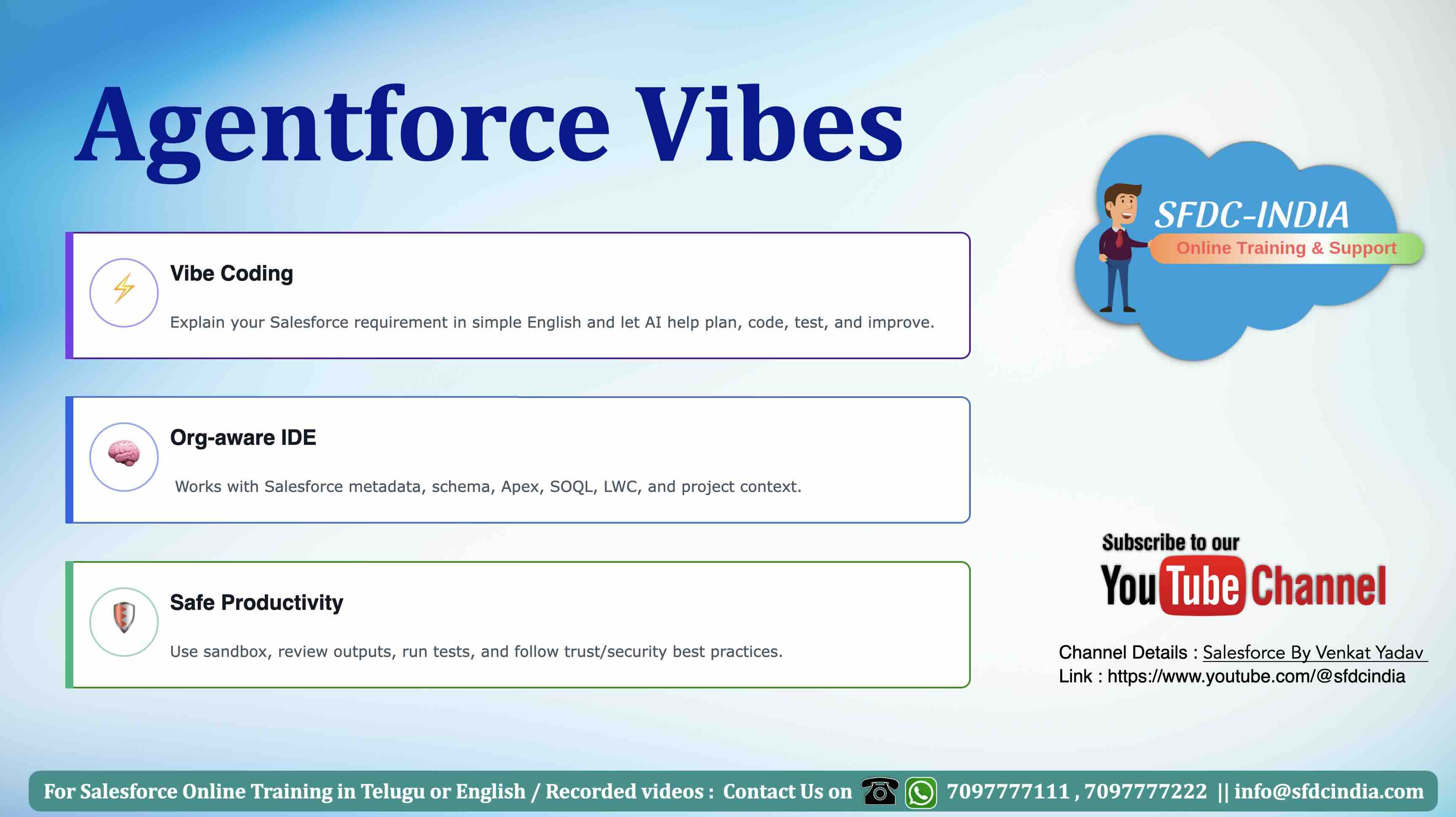
Agentforce Vibes is used to help developers and admins build Salesforce apps, code, metadata, agents, and automation faster using AI.
1. What is Agentforce Vibes?
- • Agentforce Vibes is Salesforce’s AI-powered development assistant.
- • It helps developers and admins build Salesforce solutions faster.
- • We can give requirements in simple English.
- • It can help generate Apex, LWC, test classes, and metadata changes.
- • It can explain existing code.
- • It can suggest improvements and fixes.
- • It works like an AI partner for Salesforce development.
Note: Think of Agentforce Vibes as an AI development partner inside Salesforce.
2. Why Salesforce Introduced Agentforce Vibes?
- • To speed up Salesforce development.
- • To reduce manual coding effort.
- • To help developers generate code quickly.
- • To help beginners understand existing code.
- • To improve developer productivity.
- • To support test class generation.
- • To help build apps, automation, and agent-related logic faster.
- • To bring AI directly into Salesforce development tools.
Note: Salesforce introduced Agentforce Vibes to make development faster, smarter, and AI-assisted.
3. What is Vibe Coding?
- • Vibe coding means creating software using natural language prompts.
- • Developer explains the requirement in simple English.
- • AI understands the request and creates code or a development plan.
- • Developer reviews, corrects, and improves the output.
- • It saves time in writing boilerplate code.
- • It is useful for Apex, LWC, test classes, and automation logic.
Create an Apex class to get all open Opportunities related to an Account.
Input: Account Id.
Return Opportunity Name, Stage, Amount, and Close Date.
Also create a test class.
Note: Vibe coding means we explain the requirement, and AI helps us build the solution.
4. Where Agentforce Vibes is Used?
- • Apex class creation.
- • Apex trigger development.
- • Lightning Web Component creation.
- • Test class generation.
- • Code explanation.
- • Code review.
- • Bug fixing.
- • Metadata analysis.
- • Agentforce-related Apex actions.
- • Flow-supporting Apex logic.
- • Integration helper classes.
Note: Agentforce Vibes is mainly useful for Salesforce development and automation work.
5. Plan Mode
- • AI first understands the requirement.
- • AI prepares a development plan.
- • It shows what files or logic may be changed.
- • Developer can review the plan.
- • Useful before making actual changes.
- • Helps avoid wrong or risky changes.
Note: Plan Mode is useful before allowing AI to make actual code changes.
6. Act Mode
- • AI performs the development task.
- • It can create or update files.
- • It can generate Apex, LWC, or test classes.
- • Developer should review all changes.
- • Useful after the plan is confirmed.
- • Should be used carefully in sandbox or development org.
Note: Act Mode should be used carefully because it can make actual file changes.
7. Benefits of Agentforce Vibes
- • Saves development time.
- • Reduces repetitive coding.
- • Helps beginners learn faster.
- • Improves productivity.
- • Helps create test classes.
- • Helps understand existing code.
- • Supports better development planning.
- • Useful for both admins and developers.
- • Helps in faster project delivery.
- • Supports AI-driven Salesforce development.
Note: Agentforce Vibes improves speed, but developer knowledge is still required.
8. Limitations of Agentforce Vibes
- • AI output may not be 100% correct.
- • It can generate wrong field names.
- • It may miss business logic.
- • It may not fully understand complex requirements.
- • It may create code with security gaps.
- • It may not always follow project standards.
- • Developer review is always required.
- • Testing is mandatory before deployment.
Note: Do not blindly trust AI output. Always review and test.
9. Best Practices
- • Give clear and complete prompts.
- • Mention object names clearly.
- • Mention field names clearly.
- • Mention business logic clearly.
- • Ask for test class also.
- • Use sandbox or scratch org.
- • Review generated code manually.
- • Check sharing and security rules.
- • Run all test classes.
- • Check governor limits.
- • Validate before deployment.
- • Improve prompt step by step.
- • Do not blindly trust AI output.
Note: Better prompt means better output.
10. Common Prompt Format for Agentforce Vibes
Requirement:
[Explain business requirement]
Object:
[Object name]
Fields:
[Field names]
Logic:
[Business rules]
Output:
[Expected output]
Technical Requirement:
Create Apex class / LWC / Test class / Metadata change.
Best Practices:
Follow Salesforce governor limits, sharing rules, security, and test coverage.
Note: This prompt format helps Agentforce Vibes understand the requirement clearly.
For More Details
📺 Video: Watch here
🌐 Website: www.sfdcindia.com